Identify the phone precisely
Find the full model name in the device settings or its documentation. Similar names can refer to different sizes or camera layouts, so do not choose from memory. Check the case maker's compatibility list and selected option before uploading artwork. If ordering a gift, verify the recipient's model directly or from a reliable record rather than identifying it from a photograph of the phone.
Read the case construction and any stated compatibility with charging or accessories you use. A custom picture does not establish those functions. Ask the seller about unclear details and distinguish the printed outer shell from any inner components. Keep the product specification with the order so you can later identify exactly what was selected.
Choose a crop that leaves the dog visible
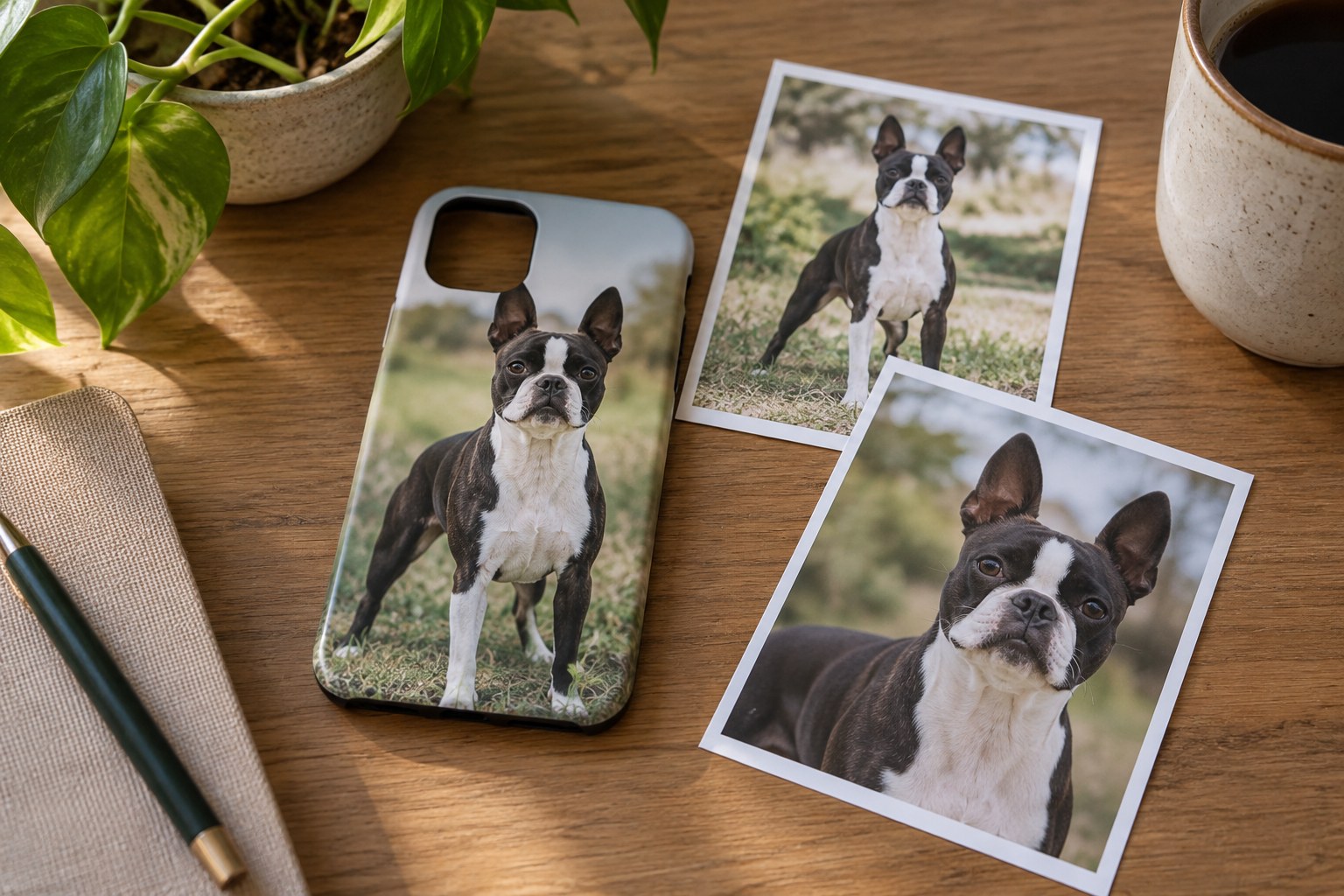
Use an original photograph with a clear face and enough surrounding space to adjust the crop. A tightly cropped image may lose an ear when fitted to a narrow case. Place the dog within the maker's actual template and examine the camera opening, edges and any protected zones. Do not assume the centre of the photograph is the centre of the printable area.
Try the composition at roughly phone size. Check whether the eyes and muzzle remain visible without zooming in, and whether a hand will cover the detail you intended to feature. A busy background can compete with a small face. Choose a simpler existing photograph or ask the seller about background editing rather than adding several decorative elements to compensate.
If you include a name, keep it away from camera openings, curved edges and areas the template marks as unsuitable. Check spelling independently of the image. Long text may become unreadable when reduced. A short name in a clear position is easier to assess than a slogan fitted around every available gap.
Check the file before sending it
Look at pixel dimensions and the maker's file requirements. Printful's file guidance explains that output dimensions and source resolution must be considered together; enlarging a small image does not recreate missing detail. Use the original file rather than a social-media screenshot where possible. Do not assume changing a resolution number alone improves the image.
Examine focus and colour without a heavy filter. A black face needs visible detail to avoid becoming a featureless shape in a small print. Ask what file format and colour handling the seller requests, and submit that format. Keep the source file unchanged so you can make another crop if the proof shows a problem.
Use photographs you took or have appropriate permission to reproduce. The US Copyright Office distinguishes ownership of a photo copy from ownership of its copyright. If a professional photographer supplied the picture, check permission for this use before uploading it to a custom-product service. Avoid using artwork found online as an unverified substitute.
Review the entire proof
Check the phone model, case colour, picture orientation and crop together. Look around every opening and edge, not just at the dog's face. Find out whether the preview is a mock-up or an approval proof and when changes become unavailable. Collect corrections in one clear response and keep the approved version with the order confirmation.
On arrival, inspect the print and fit in a clean space, following the product's instructions. Confirm buttons, ports and camera openings are accessible. Retain packaging required by the return policy until the item is checked. Follow the care label for cleaning rather than applying solvents or abrasive methods that may affect the print or case material.